Civilian portal
Registering a character, vehicles, calling 911.
Every community member is a civilian by default. Some additionally hold a CAD role (officer / dispatcher / admin), but the civilian portal at civilian.awarecad.com is where you manage your in-character self.
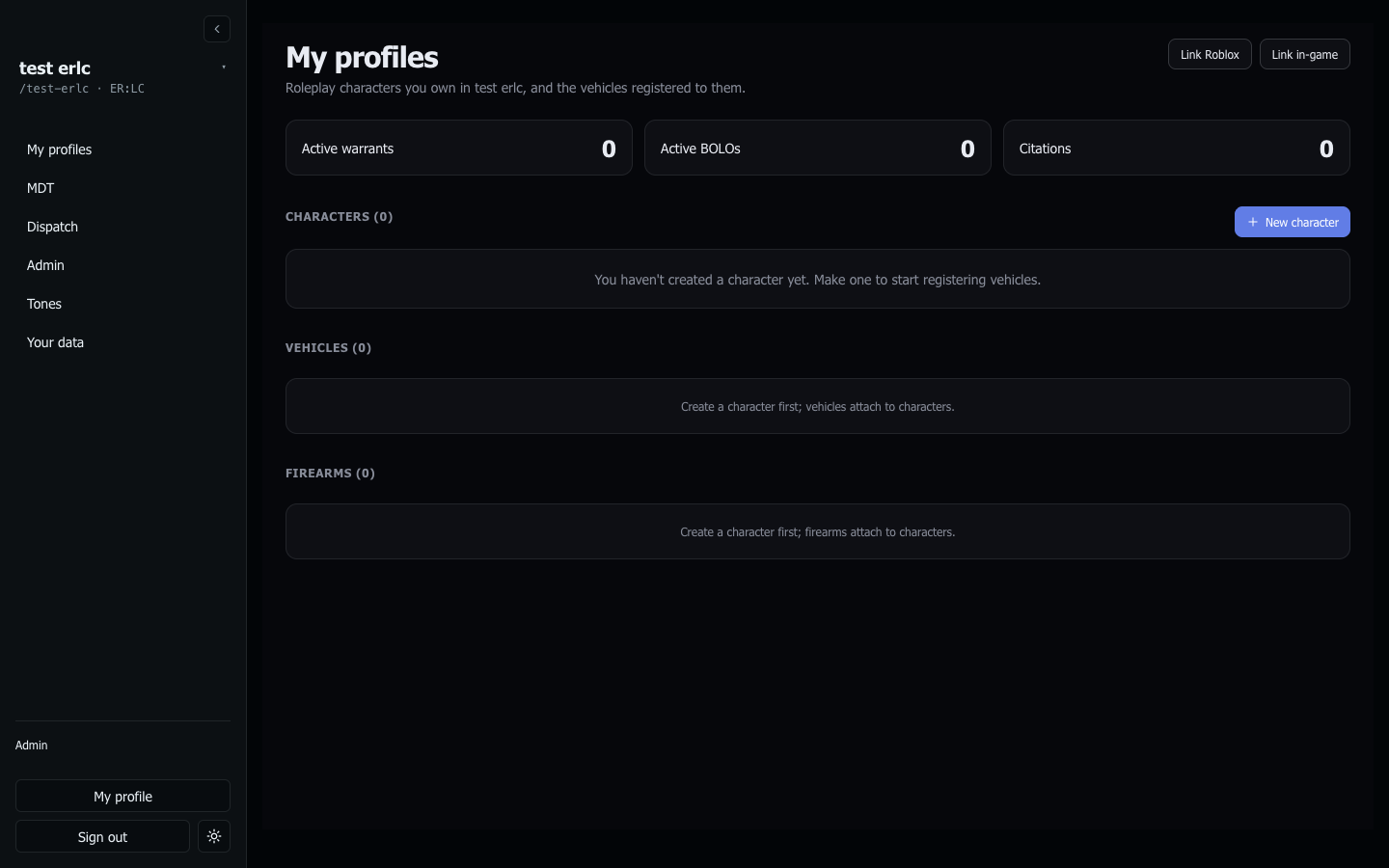
Registering a civilian character
During onboarding, AwareCAD offers to create your civilian profile in one click from your linked Roblox account — pulls your Roblox username, display name, and avatar. No first/last name field, no IRL DMV trivia. Confirm and you're done; skip and you can register later from the civilian portal.
AwareCAD is Roblox-native — no DOB, no sex, no height/weight, no hair/eye color. Your Roblox username is the canonical identity officers see when they run your name. Every member (including owners and admins) gets a civilian profile so they appear consistently when looked up by anyone in any community.
Vehicles
Register vehicles tied to your civilian. Make, model, color, plate. Vehicles show up on your profile and are searchable by officers running plates.
You can register as many vehicles as you want. Mark one as your primary to default in plate-runs.
Linking your Roblox account
The civilian portal needs your Roblox account linked the same way the MDT and admin surfaces do. If you've already linked it for an officer role in another community, the link carries over.
Citations / warrants / BOLOs against you
Anything an officer has filed against you shows on your profile: citations, BOLOs, active warrants, arrest history. You can view but not edit — these are records officers maintain.
Disputing a citation? File a support ticket here and we'll loop in your community's admins.
Filing a 911
From the portal, file a 911 call directly — your community's dispatchers see it the same way they'd see an in-game one. Pick the agency (PD / Fire / EMS / Any) if your community runs multiple departments; otherwise it lands community-wide.
Last updated May 18, 2026.